Deposit via Apple Pay
Fund your BitOasis account quickly and securely
Pay in USD or AED without directly linking your card — same fees as credit/debit card deposits.
Easily fund your BitOasis account using Apple Pay — no need to directly link your card. Enjoy a seamless, secure, and efficient way to deposit in USD or AED.
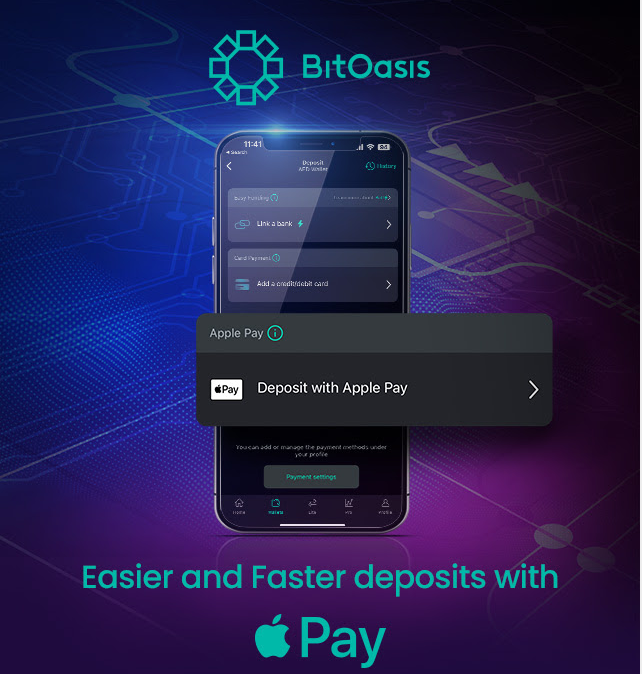
UAE Only — Apple Pay deposits are currently supported exclusively for users in the United Arab Emirates.
Minimum Deposit
100 AED
Credited
Instantly
Fees
Same as Card
credit/debit rate
? How to Deposit Using Apple Pay
Open the BitOasis App
Open the BitOasis app and navigate to Wallets.
Select Currency & Payment Method
Select your preferred currency (USD or AED) and choose the "Deposit via Apple Pay" option.
Enter Amount & Review
Enter the amount you wish to deposit. Review the total including fees and confirm the amount before proceeding.
Complete with Apple Pay
Tap "Add Money with Apple Pay" to complete the transaction. Your account will be credited instantly.
Key Points to Remember
| ⚡ | Minimum Deposit: 100 AED per transaction. |
| ⚡ | Instant Credit: Funds are credited to your account immediately once the transaction is processed. |
| ⚡ | Fees: Apple Pay fees are the same as credit or debit card deposit fees. |
Need further assistance?
Our support team is happy to help with any questions about your Apple Pay deposit.
Was this article helpful?
That’s Great!
Thank you for your feedback
Sorry! We couldn't be helpful
Thank you for your feedback
Feedback sent
We appreciate your effort and will try to fix the article