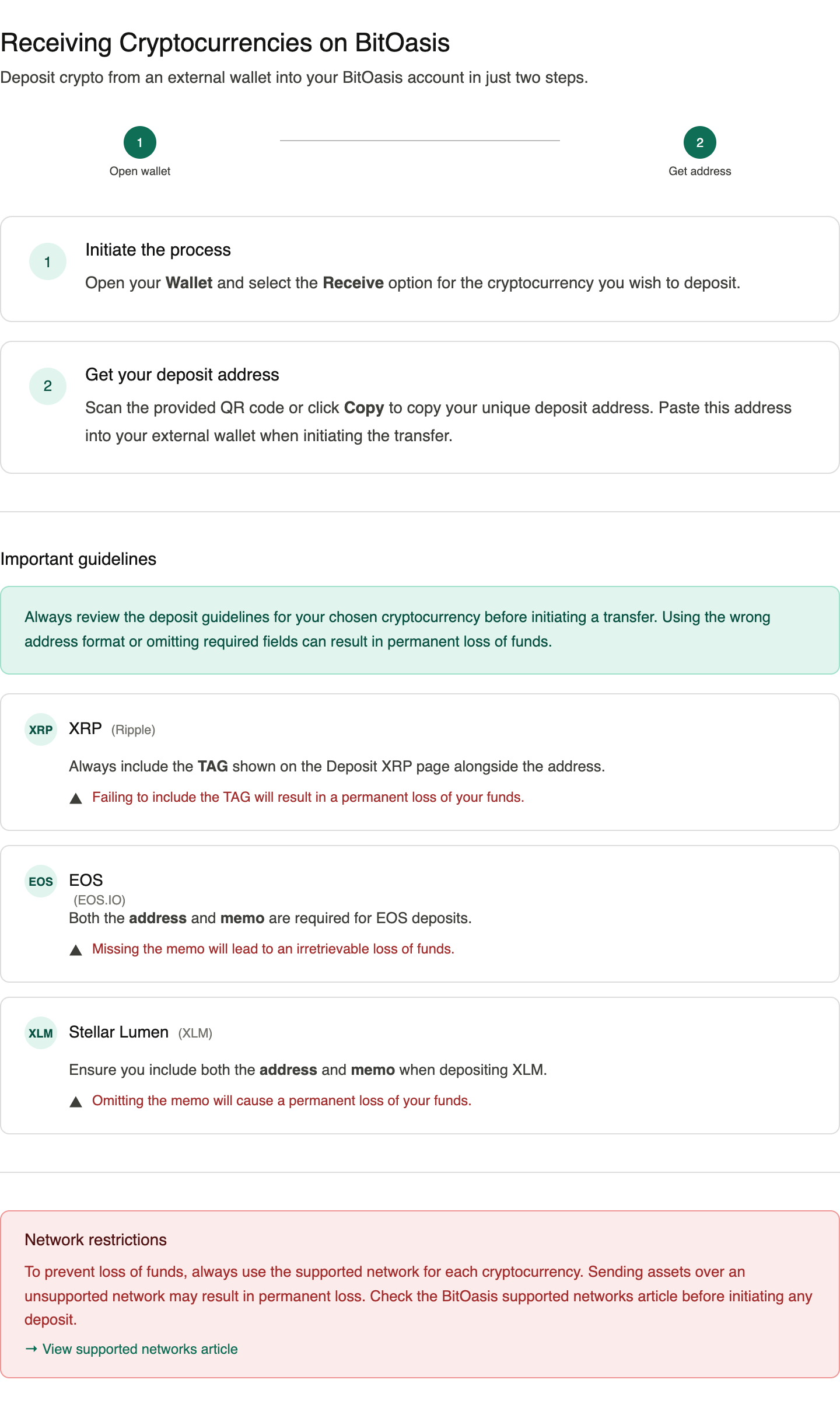
Step-by-Step Guide to Receiving Cryptocurrencies on BitOasis

Modified on Fri, 20 Jun, 2025 at 2:29 AM

Receiving cryptocurrencies into your BitOasis wallet from an external wallet is quick and easy. Simply follow these steps:


Step 1: Initiate the Process

  • Open your Wallet and select the ‘Receive’ option for the cryptocurrency you wish to deposit.


Step 2: Get Your Deposit Address

  • Scan the provided QR code or click the ‘Copy’ button to copy your unique deposit address.
  • Paste this address into your external wallet when initiating the transfer to your BitOasis wallet.


Important Guidelines


General Advice

  • Carefully review the deposit guidelines to avoid any issues during the transaction.

Specific Cryptocurrency Instructions

  • XRP (Ripple):

    • Always include the TAG provided on the "Deposit XRP" page.
    • Failing to include the TAG will result in a permanent loss of your funds.
  • EOS (EOS.IO):

    • Both the address and memo are required for deposits.
    • Missing the memo will lead to an irretrievable loss of funds.
  • Stellar Lumen (XLM):

    • Ensure you include both the address and memo.
    • Omitting the memo will cause a permanent loss of your funds.


Important Network Restrictions: 

To prevent loss of funds, always use the supported network for each cryptocurrency. 

Please check the following article


Additional Support:

For further information on our cryptocurrency trading guidelines, click Here.

If you require any further clarification or assistance please contact our customer service team by clicking Here.

Was this article helpful?

That’s Great!

Thank you for your feedback

Sorry! We couldn't be helpful

Thank you for your feedback

Let us know how can we improve this article!

Select at least one of the reasons
CAPTCHA verification is required.

Feedback sent

We appreciate your effort and will try to fix the article